brightplace Connect Is Now in Claude's Connector Directory
brightplace Connect, brightplace's MCP server for AI apartment search, is now listed in Claude's connector directory. Any Claude user can add it without setting up a custom connector by hand.
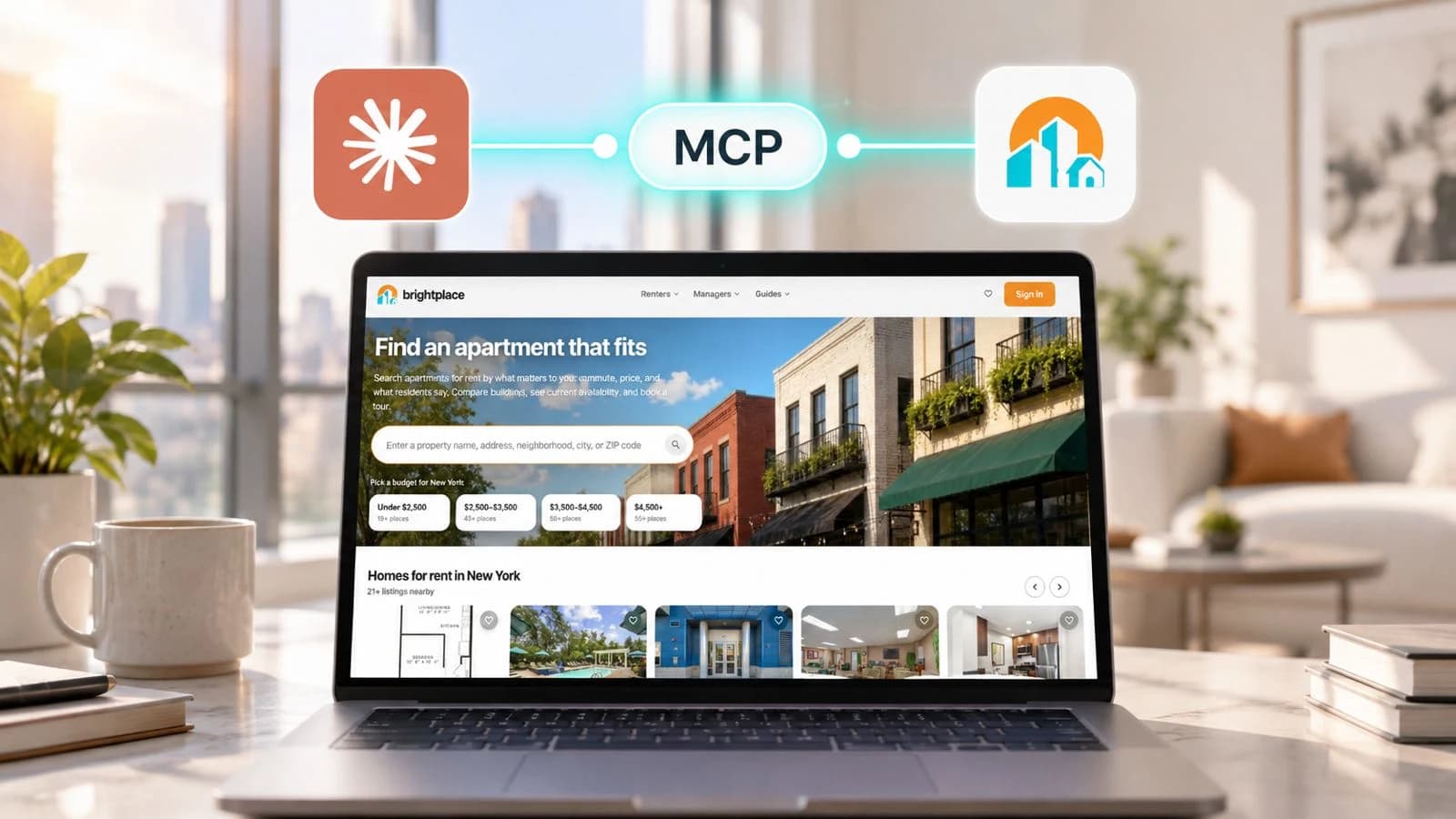
brightplace Connect joins the Claude directory
brightplace Connect is now listed in Claude's connector directory. Any Claude user can find brightplace there and connect it in a few clicks.
When brightplace launched brightplace Connect in June 2026, it was available only as a Model Context Protocol (MCP) server. To use it in Claude, you had to add a custom connector and paste in the server address yourself. The directory listing removes that step and puts brightplace alongside the other connectors Claude users already browse.
What Claude can do with brightplace Connect
Once connected, Claude can use eight brightplace tools inside a conversation:
- search_listings: Find apartments by location, bedrooms, bathrooms and budget
- get_listing: Inspect unit details and rent, plus brightplace grades for quality, walkability, transit and biking
- compute_listing_proximity: Estimate driving or walking time from a listing to places that matter to you, like your office
- get_neighborhood_guide: Add context about the area around a listing
- get_financial_guide: Get curated affordability and cost-of-living guidance
- get_tour_availability: Check open tour slots for a listing
- book_tour: Request a tour for a chosen slot after you confirm the details
- get_tour_booking: Look up the status of a tour request you already submitted
A renter can ask Claude to "find two-bedroom apartments in Orlando under $2,200," check the drive to work from each one and request a tour without leaving the chat. The property confirms tour requests by email.
How to connect
Anyone using Claude can connect brightplace. To add it:
- Go to the Claude directory and search for "brightplace," or open the brightplace listing directly.
- Click Connect.
- Sign in with your Google account or your brightplace login, and approve access.
The tools need a brightplace account, and signing in with Google is all it takes. Each person signs in to their own account, including when an organization adds the connector on a Claude Team or Enterprise plan. Signing in means tour requests reach the property with your contact details.
Fair Housing built in
brightplace Connect works only with objective rental criteria such as price, size, location, amenities and pet policy. It declines requests that filter or rank housing by protected characteristics.
Learn more
Setup guides for Claude, ChatGPT and Perplexity, plus the full tool reference, are at docs.brightplace.ai.
How this article was made: brightplace used AI tools to help research, draft and update this article.